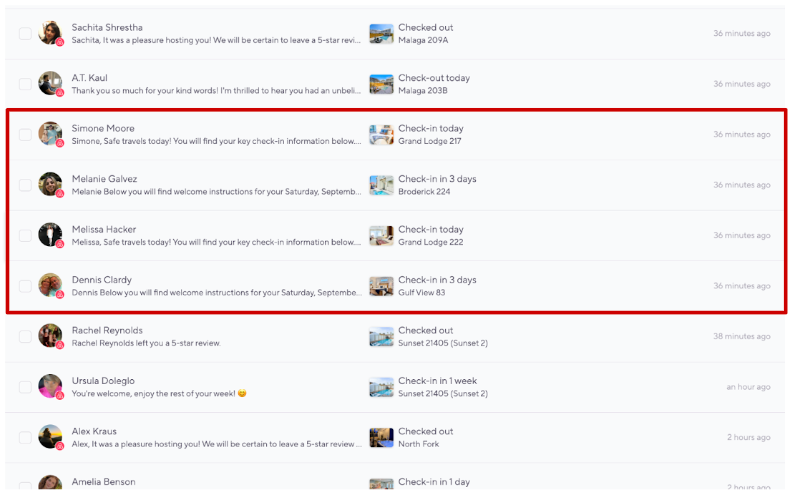
Goal
I want to glance at the inbox and ensure I have a pulse on all recent guests who have either contacted me, or vice versa. I need quick reference to these chats.
Challenge
Incoming automated messages can pile up the inbox, leaving the valuable, most recent high-touch conversations buried. I appreciate the automated messages, but they offer no value to me while I’m manning the inbox. I don’t need to take action, I wish I could somehow filter these out. I end up losing my place and rhythm, important convos get pushed down and new names replace the order I was familiar with.
I also hate not knowing which messages I’ve actually sent during my shift. It’s hard to know what was important
Workaround
I don’t have a workaround, I just have to comb through and rely on remembering the guest’s profile picture, personal name, property name to re-anchor myself again.
We should be able to filter by "all messages" and "all user sent messages" or something. 9/10 times I do not care to see our automated message, I know it's going out, and I know what it says. I don't need it clogging the inbox. Don't get me started when 20 of them come in at once! I have tried to stagger them, but sometimes the stack up is inevitable.